

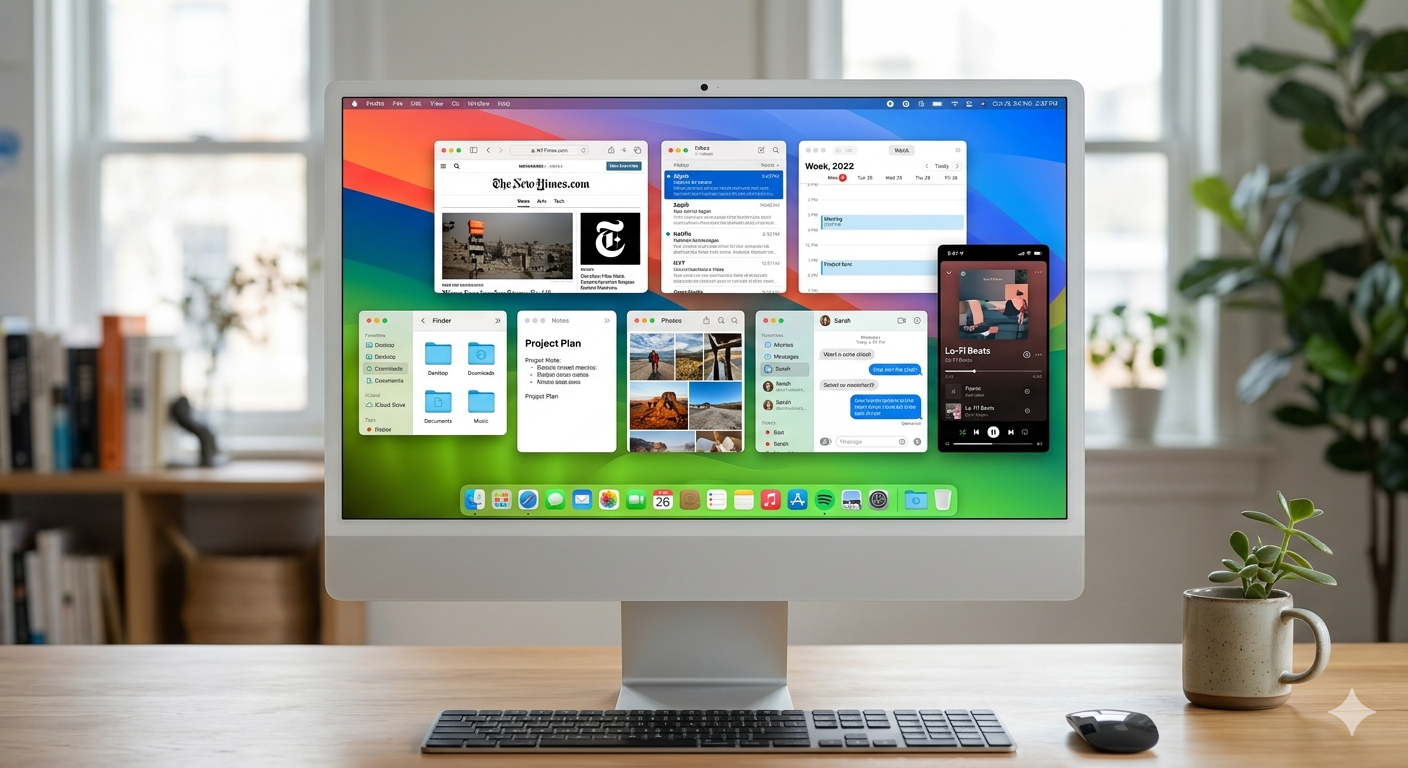
For many Mac users, the menu bar is both essential and frustrating. As more apps compete for space at the top of the screen, menu bars become cluttered, icons disappear behind the MacBook notch, and important tools become harder to access.
That’s the problem SaneBar was created to solve.
Founded by Stephan Joseph, SaneBar is a powerful yet intuitive menu bar manager for macOS that helps users hide, organize, search, and secure menu bar icons without sacrificing usability. Designed as a privacy-first alternative to Bartender, SaneBar offers advanced customization features, Touch ID protection, smart automation, and a one-time purchase model.
The Problem: macOS Menu Bar Clutter
The modern Mac workflow often relies on dozens of menu bar applications. From cloud storage and communication tools to productivity apps and system utilities, every application wants a permanent place in the menu bar.
As a result, users frequently encounter problems such as:
- Menu bar icons disappearing behind the MacBook notch
- Difficulty locating important apps quickly
- Visual clutter reducing productivity
- Sensitive applications remaining visible at all times
- Limited customization options within macOS
While solutions exist, many users are searching for a Bartender alternative that prioritizes privacy, transparency, and long-term ownership.
How SaneBar Solves the Problem
SaneBar gives users complete control over their menu bar experience.
Instead of forcing users to choose between clutter and functionality, SaneBar allows them to create a clean, organized workspace while keeping every menu bar application easily accessible.
Key features include:
Hide and Organize Menu Bar Icons
Users can instantly hide unnecessary icons while keeping critical applications visible. Hidden icons remain accessible through a simple click, helping maintain a clean and distraction-free desktop.
Search Any Menu Bar App Instantly
One of SaneBar’s standout features is its built-in menu bar search. Rather than hunting through dozens of icons, users can quickly search and launch any menu bar application by name.
Choose Between an Icon Panel or Second Menu Bar
Every user works differently. SaneBar offers both a compact icon panel and a full second menu bar, allowing users to customize the experience that best fits their workflow.
Touch ID Security for Sensitive Apps
For privacy-conscious users, SaneBar Pro allows hidden icons to be secured behind Touch ID or a password. This ensures that sensitive applications remain accessible only to authorized users.
Smart Automation and Triggers
SaneBar goes beyond simple icon management by introducing intelligent automation. Users can create profiles and automatically adjust menu bar behavior based on:
- Application launches
- Wi-Fi networks
- Focus Modes
- Battery status
- External displays
- Work and presentation environments
Built for Mac Power Users and Everyday Professionals
Although SaneBar is easy enough for anyone to use within minutes, it also includes advanced functionality for power users.
Additional features include:
- Custom hotkeys
- Keyboard navigation
- Automatic icon re-hide
- Drag-and-drop organization
- Per-icon shortcuts
- Icon grouping
- Appearance customization
- AppleScript integration
- Shortcuts automation support
This flexibility makes SaneBar an ideal productivity tool for developers, designers, consultants, entrepreneurs, and remote workers who spend significant time on their Macs.
Privacy-First by Design
One of SaneBar’s biggest differentiators is its commitment to privacy.
Unlike many modern software products, SaneBar does not rely on invasive tracking, excessive cloud services, or subscription-driven business models. User data remains on-device by default, while network activity is limited to essential functions such as software updates, license validation, and anonymous product-health metrics.
For users concerned about software transparency and data ownership, this approach provides peace of mind.
Easy Migration from Bartender and Ice
Switching menu bar managers can be frustrating, especially after spending time customizing layouts.
To simplify the transition, SaneBar supports importing compatible settings and layouts from both Bartender and Ice. Users can migrate quickly without rebuilding their workflows from scratch.
The Vision Behind SaneBar
Founder Stephan Joseph created SaneBar to deliver a modern, trustworthy menu bar management solution that balances simplicity, privacy, and power.
Rather than adding complexity, the goal was to make the macOS experience cleaner and more efficient while giving users complete control over how their menu bar behaves.
As productivity software continues evolving, SaneBar demonstrates that powerful desktop utilities can still respect user privacy while delivering professional-grade functionality.
Final Thoughts….
For Mac users searching for the best menu bar manager, a Bartender alternative, or a way to organize menu bar icons more effectively, SaneBar offers a compelling solution.
With features like menu bar search, Touch ID protection, automation triggers, profile management, AppleScript support, and a privacy-first philosophy, SaneBar helps users reclaim valuable screen space and streamline their daily workflow.
Whether you’re a casual Mac user or a productivity-focused power user, SaneBar provides the tools needed to keep your menu bar organized, secure, and efficient.
Website
Founder
Stephan Joseph
Industry
macOS Productivity Software
(Disclaimer: Article based on information provided by the Startup)